I've got a new small, single-purpose screen section in my office area and wanted to document what's running, practical lessons learned, and some questions still unanswered.
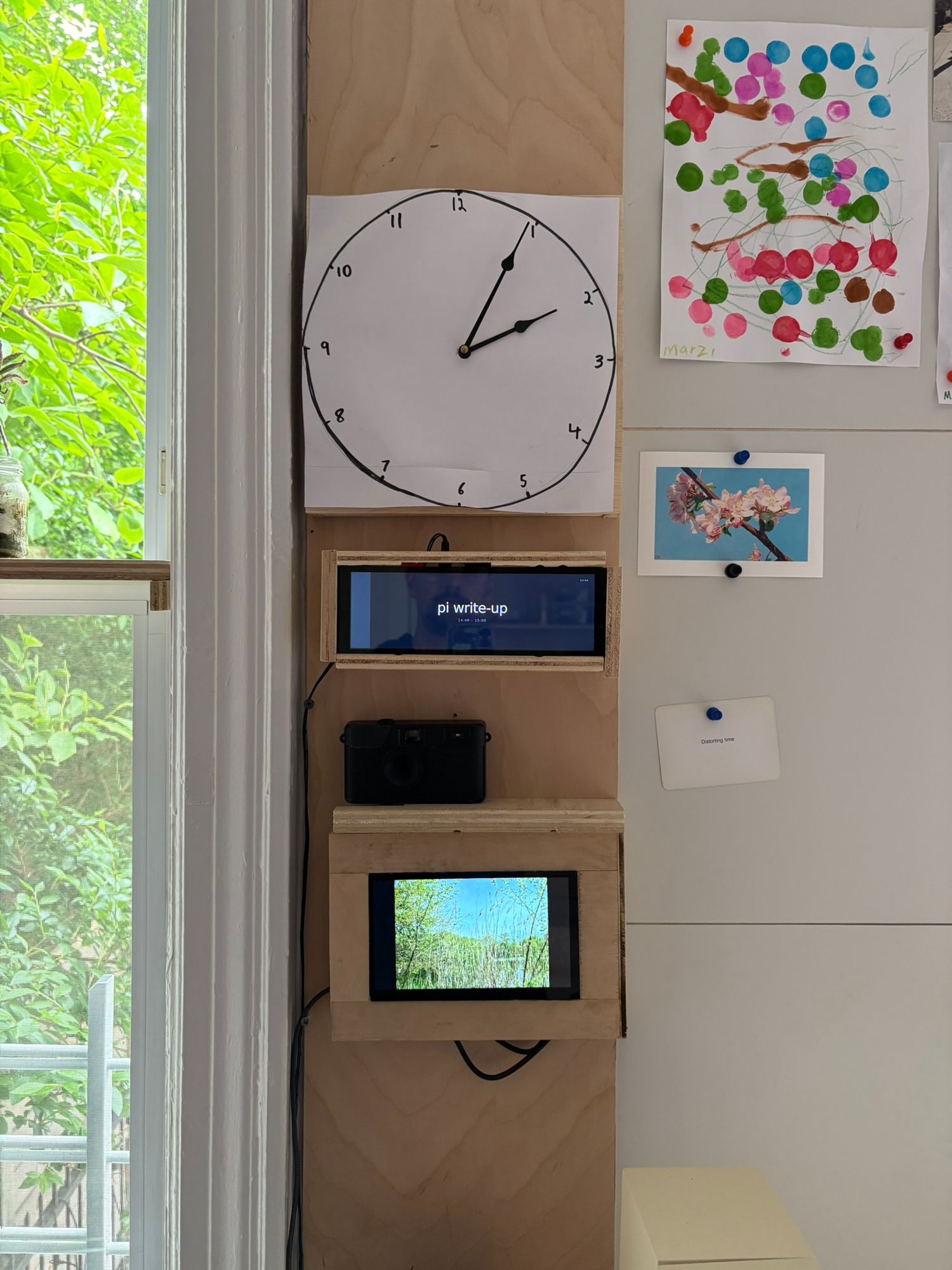 Custom clock (not a screen), time-block visualizer, and camera-linked photo slideshow.
Camera and slideshow
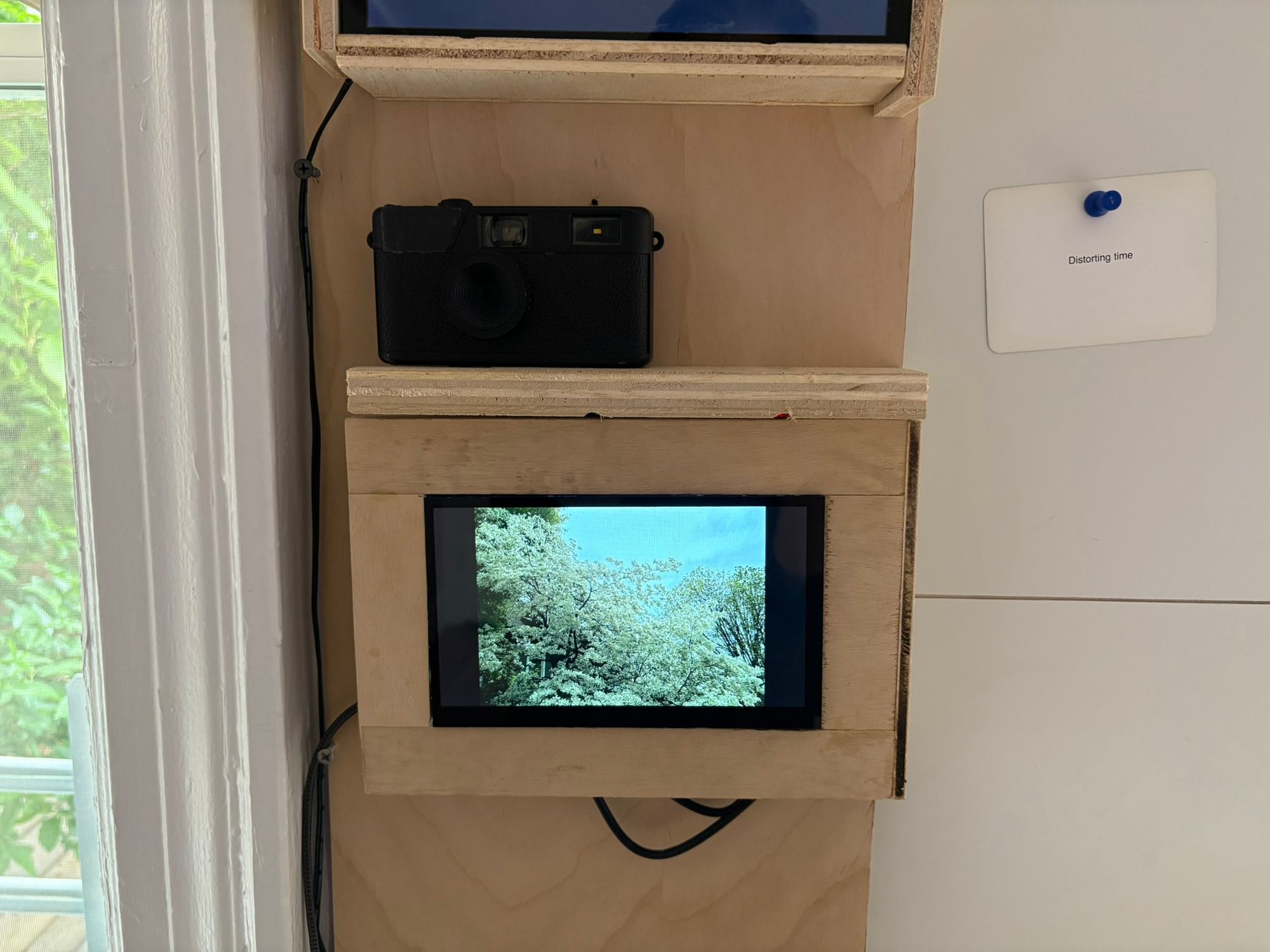
The bottom screen is a raspberry pi + screen and a "Camp Snap" screenless digital camera. When connected any new photos get added to the slideshow and cleared from the camera.
I wanted to encourage more photo-taking and viewing - free of the distraction of the possibilities of a phone. I like that the Camp Snap camera doesn't have a back screen - you take the photo and you get what you get. It's also cheap and robust enough that I can let our toddler use it.
Time-block visualizer
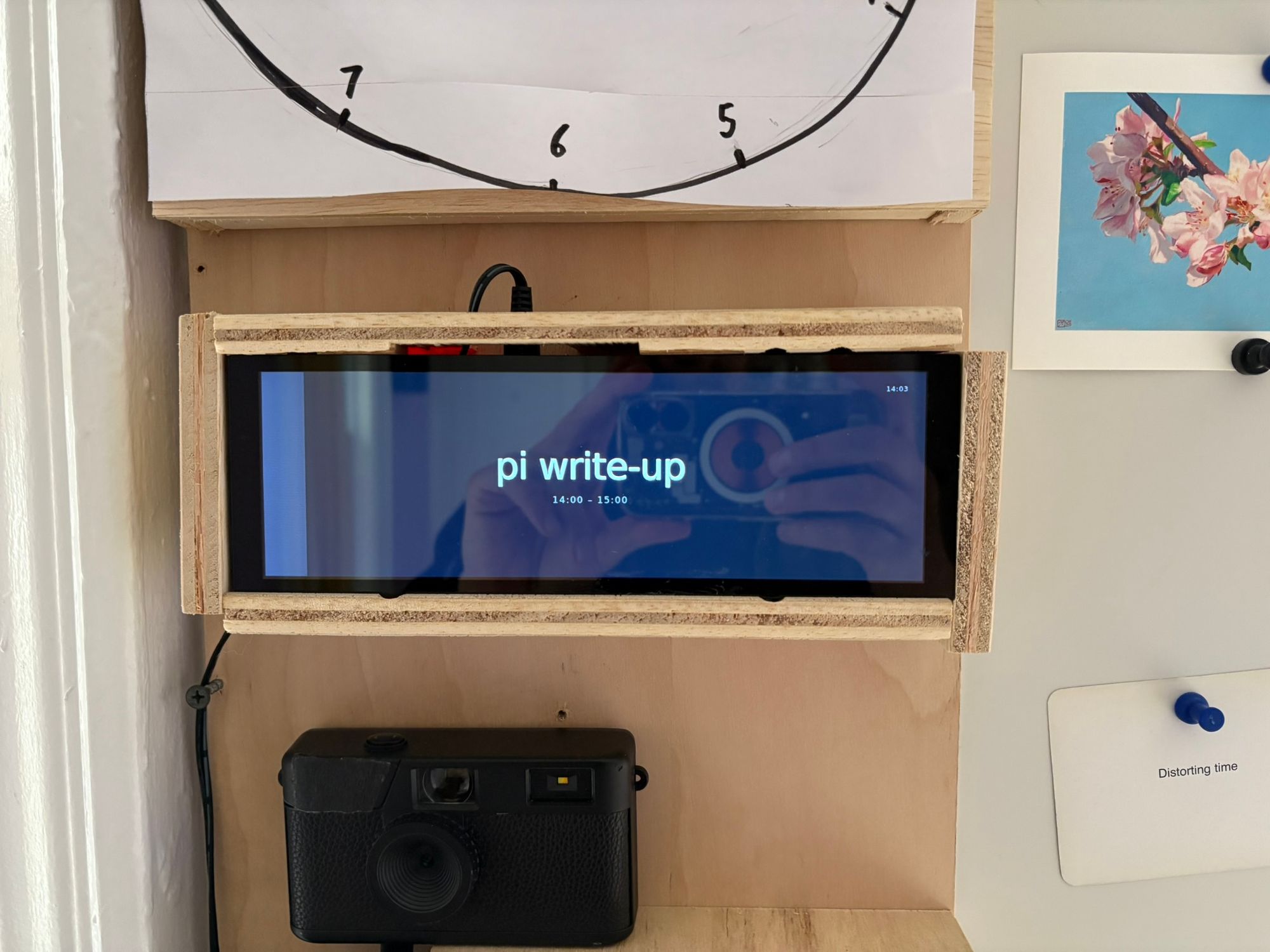
Another Pi - this time displaying a full-screen web app that runs on my home server. The app reads from markdown files with time blocks for the day and shows a progress bar.
Clock
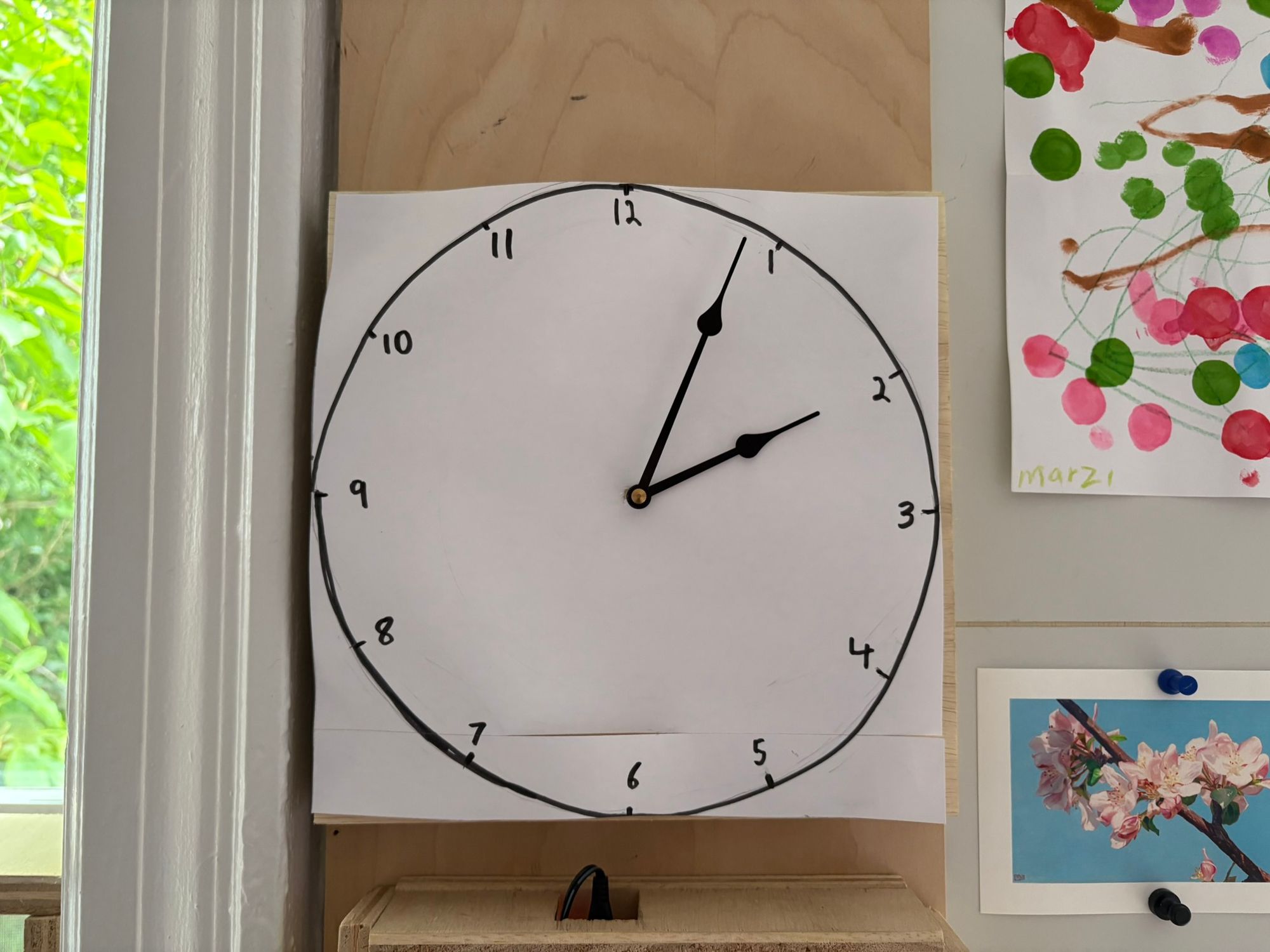
I learned from a pottery studio window display that you can get clock hand mechanisms and put whatever you want behind them. The handwritten backing is kind of a placeholder but also growing on me. I do think it'd be fun to do something that involved both a screen and the clock mechanism - which probably would mean insetting a small screen in the backing.
Practical lessons learned
These aren't my first single-purpose screen experiments. I think my music artist info display was probably the most successful. Ambient TV had a fun form factor.
There's some things I've learned to make things go easier and a lot I still haven't figured out.
1. It needs to boot into it
The app needs to start on boot. If you have to help it along in any way you will get tired of doing it within a week.
2. Tailscale is great
This setup is the first time I was disciplined about getting both the Pi's on tailscale. Before I was mostly sshing but sometimes needing to pull out an external keyboard to do something. Much better knowing I can ssh into the tailscale alias when needed.
3. LLMs definitely help
Along with tailscale I got claude code running on the PI's themselves. This is a big help in debugging any broken parts in the setup/boot process.
4. Full-screen websites are flexible
For a while I've mostly been using the Pi's to open a full-screen chromeless browser. For the time-block tracker it points to a site running on my home server - making it super easy to update or swap to a new site. For the slideshow I use MPV on local files get better performance.
5. Make the hardware removable/accessible
I've started using magnets to attach the side wood pieces to better be able to restart/fix/swap out pieces of the hardware.
6. Smart plugs on a schedule are simple and good
I power the screens on from 9-6 with a smart plug. This adds a nice source of routine to my home office. Older Pi's are on by default which is a great fit for a smart plug.
Philosophical questions unanswered
As I mentioned, this is far from my first single-purpose screen experiment. I'm drawn to them as a way to make the digital and computers - which can sometimes feel boundless in an overwhelming way - more tangible. Especially with LLMs smoothing the way for custom software development and hardware debugging, I think there's an opportunity to pluck out useful digital pieces and incorporate them more calmly into our lives.
I do have to admit that none of my single-purpose screens to this point have lasted very long before I get the itch to try something else. The unbounded possibilities are still always kind of lurking - and I feel like partly because of that I never feel the sense of calm from these objects that I get from a non-digital machine that simply "is what it is and nothing else" in a much clearer way. This could be down to framing or my own attitude - I want to keep experimenting.