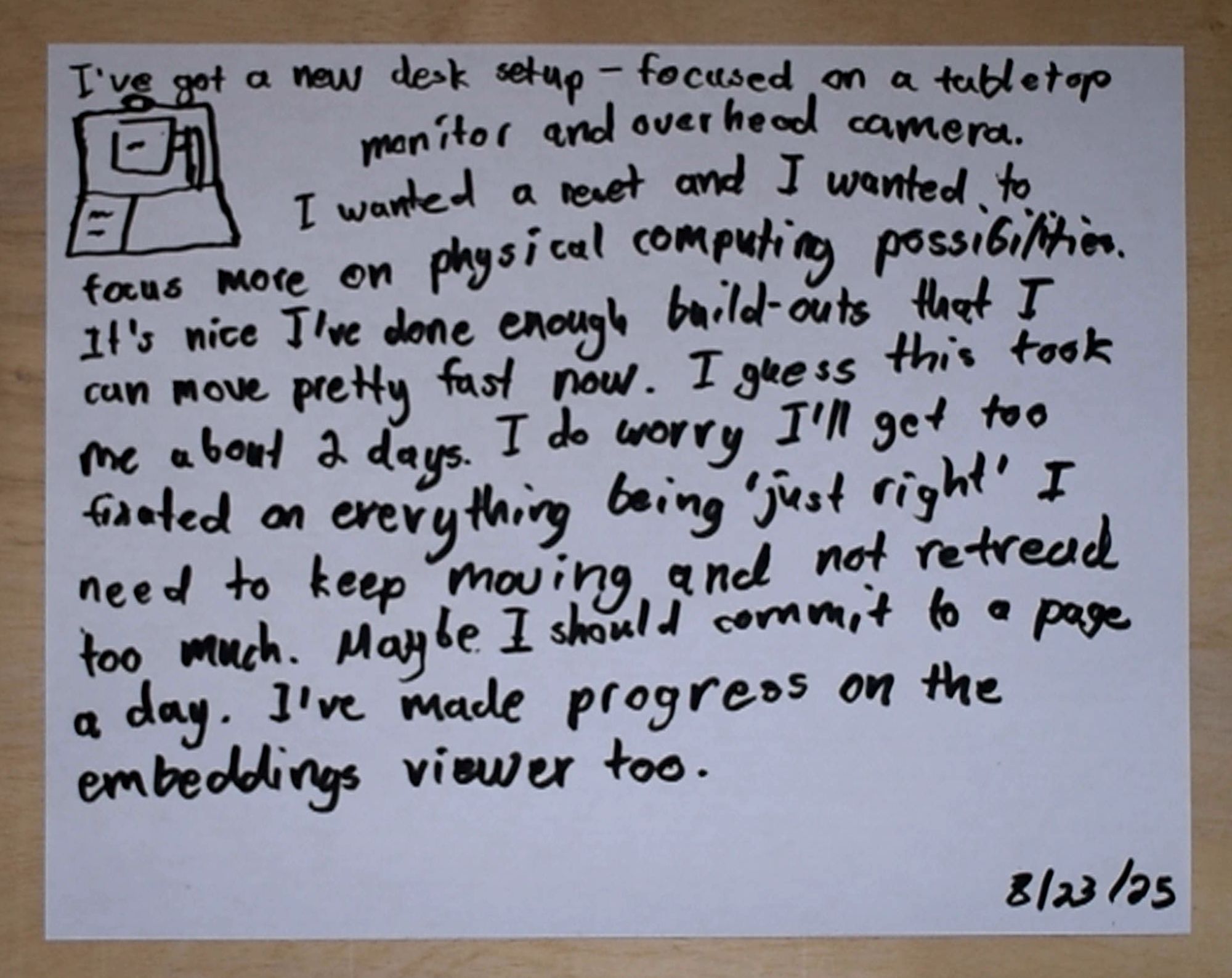
I got a projector and webcam set up over the tabletop. Experimenting with hand-tracking.
Tracking pinches
Tracking and projecting pointer fingers
Trying out a color picker to get a feel for tabletop UI. I can do it all with pointer fingers (rather than pinch) if I give myself a path to reach them without colliding with other things. Kind of like a maze.
Painting with an IR touch frame, projector, and http://image-paint.constraint.systems
paintbrush
ball
Trying out hand-tracking triggered buttons and some simple LLM calls. There are definite limits imposed by hand-tracking and projector display - but they're kind of interesting ones.
Triggering buttons on overlap
Color change - was not working at first because of webcam reacting to light change, fixed by turning on the overhead light so it's more constant.
I got the projector sized to the IR touch frame. I made a desk inset for it and a wood overlay to sit on top.
The overlay makes the section non-interactive (it had to be an overlay bc the IR beams need to get from one-side to the other).
I ordered this IR touch screen frame not knowing what to expect and am so far pleasantly surprised. I need to map the projector to it but touch detection seems pretty good.
Book-to-soundtrack experiment - a projector setup where I send the book image off to Gemini for recommendations and then play with Spotify. Meant to be kind of like putting on a record but for objects. (I clipped out the loading times.)
More paint tests with the projector and touch frame.
An apriltag color-picker where x=red, y=green, rotation=blue. A freeform physical slider feels interesting
Also did a 3 card one - different tags all get IDs which makes me think of doing some sort of weird physical variable assignment thing.
Trying out april tags. Thinking about how it could complement hand tracking and vision models. This is using https://github.com/arenaxr/apriltag-js-standalone. and I know what april tags are because of https://folk.computer.
Thinking about the possibilities of having adjusted mirrors as part of the projector system.
Testing out the mirror
Collecting some recordings of recent experiments. Taking photos of my books, using Gemini image edit generation to isolate those books and then removing their backgrounds, embedding generated summaries of those books and exploring them across various layouts.
Spines and covers
 Tabletop used with a tabletop
Crop and download images from your webcam.
Tabletop used with a tabletop
Crop and download images from your webcam.

Projections on all sides of a room. From https://www.youtube.com/watch?v=v9uVf65bNgo
I'm working on recreating some graphics editing programs in WebGL. To be able to zoom in on images, I've implemented a pretty standard 3D camera with projection and view matrices. I've found really understanding projection to be difficult. It's one thing to get some cubes placed and rendering in the world, it's another thing to enable mouse interactions, where you have to project and unproject between screen space, view space and world space.
Figuring out the steps for transitioning between the spaces has been difficult, but a nice consequence is that I'm developing a mental model of what is happening on screen that I can reason about. The idea is that the screen reperesents a flat window onto 3D space that extends behind it. I'm starting to be able to intuitively reason about when I can keep something in screen space (the cursor), and when I want to project it into world space (creating a bounding box on an image). Mouse-directed zoom (as movement along a ray projected from the mouse), took me a while to get right, but now I feel like I have a better handle on what it is doing then when I've implemented it in a non-3D camera set-up.
When I have done image editors with zoom in the past, things have always gotten messy while dealing with translation and zoom. Now I feel like maybe that is because I was mixing 2D and 3D concepts. Placing images in 3D perspective space with a camera has required a lot of set-up, but I'm now starting to believe it will really pay off.